What it is
A campaign is a coupon promotion or a highlight (news or an announcement) that your customers see in their app, with a push notification to their phone. You can target certain customer types, people nearby, or people who meet conditions, like not coming back in a month.
Step by step
Open Campaigns
In Marketing › Campaigns you create coupon promotions and announcements that your customers see in their app and on their phone.
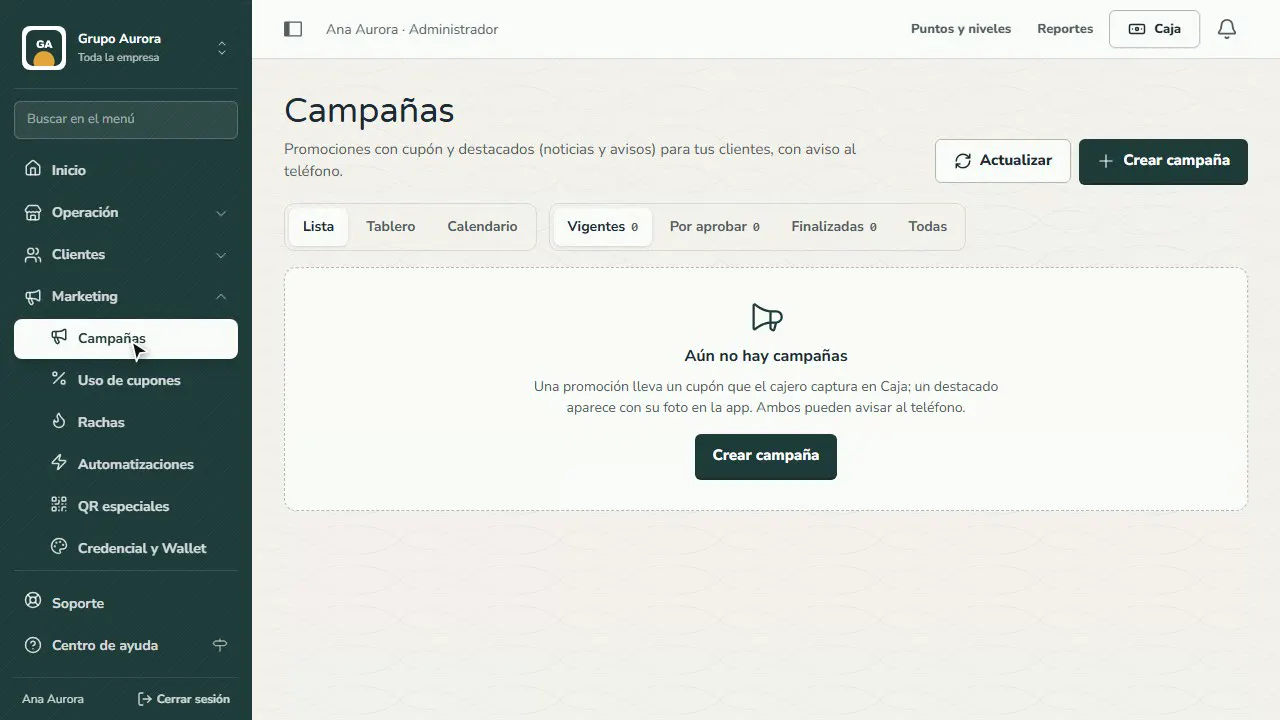
Create the campaign
Tap Create campaign and choose Promotion if it includes a coupon, or Highlight for news or an announcement.
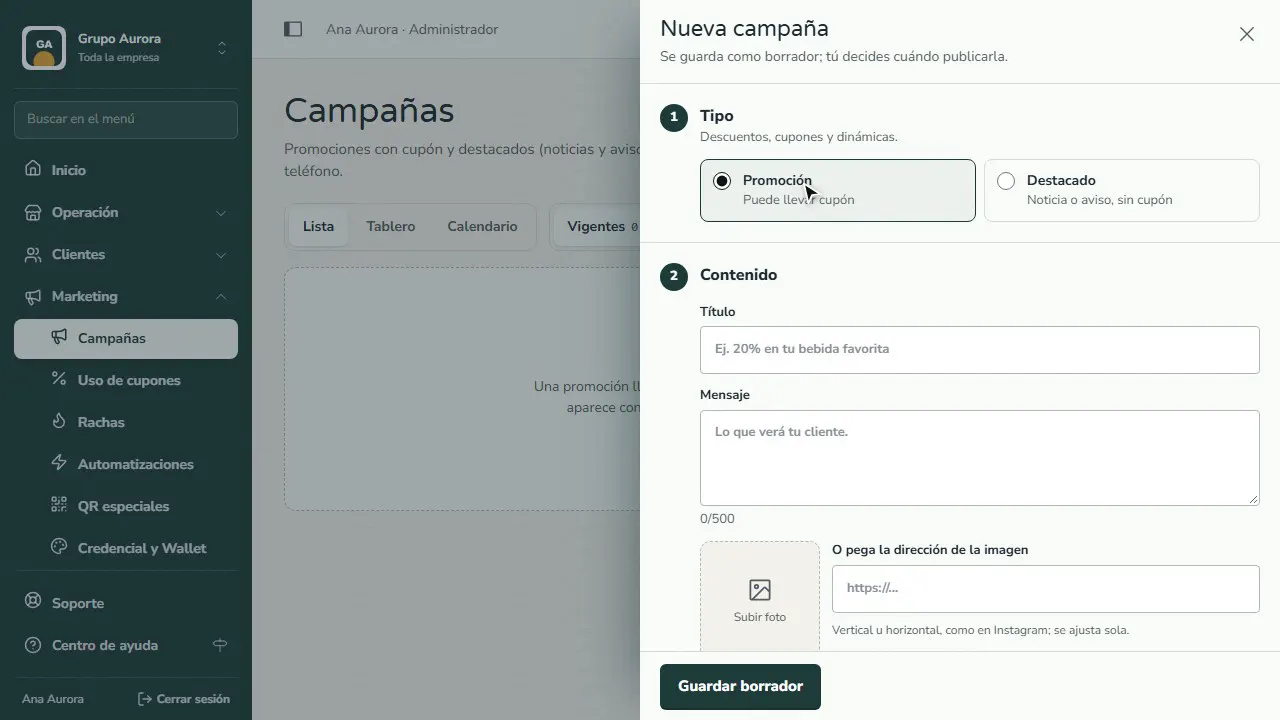
Title and message
Write a short, clear title and the message your customer will see. You can add a photo.
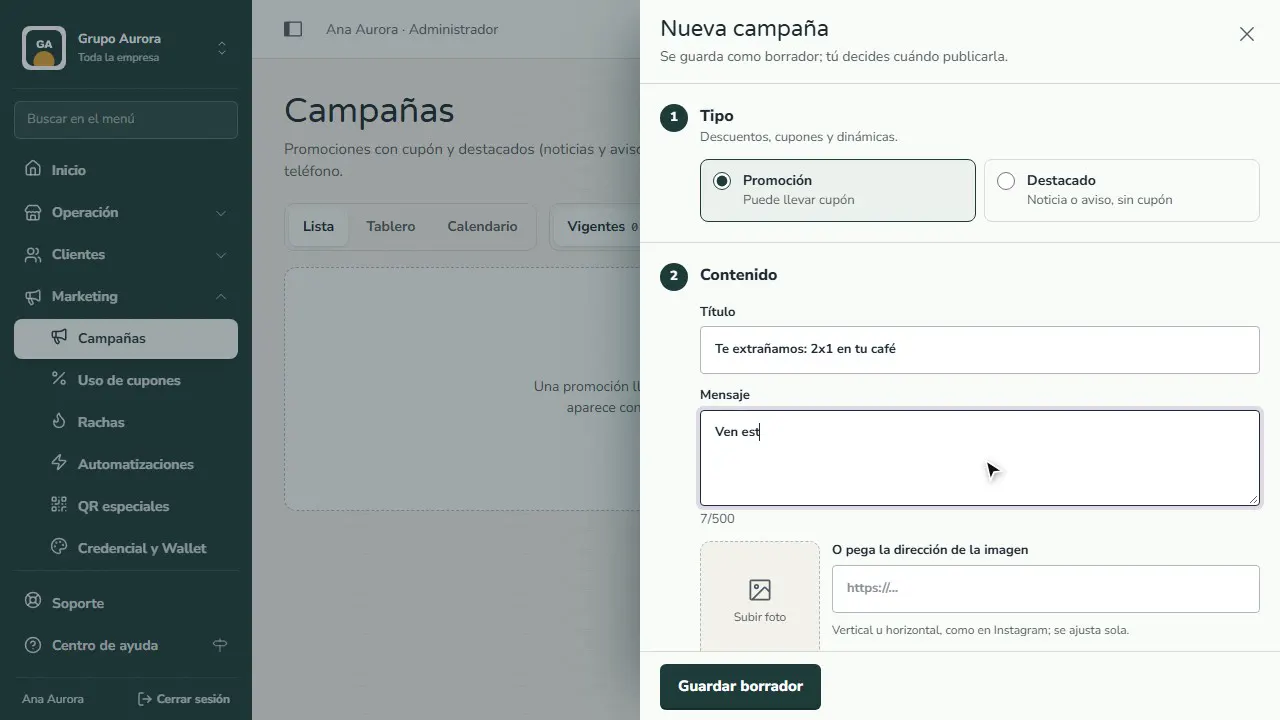
Dates and coupon
Set when it starts and ends. With Coupon, the cashier enters it at the Register; with Near the customer, it appears when they pass by your branch.
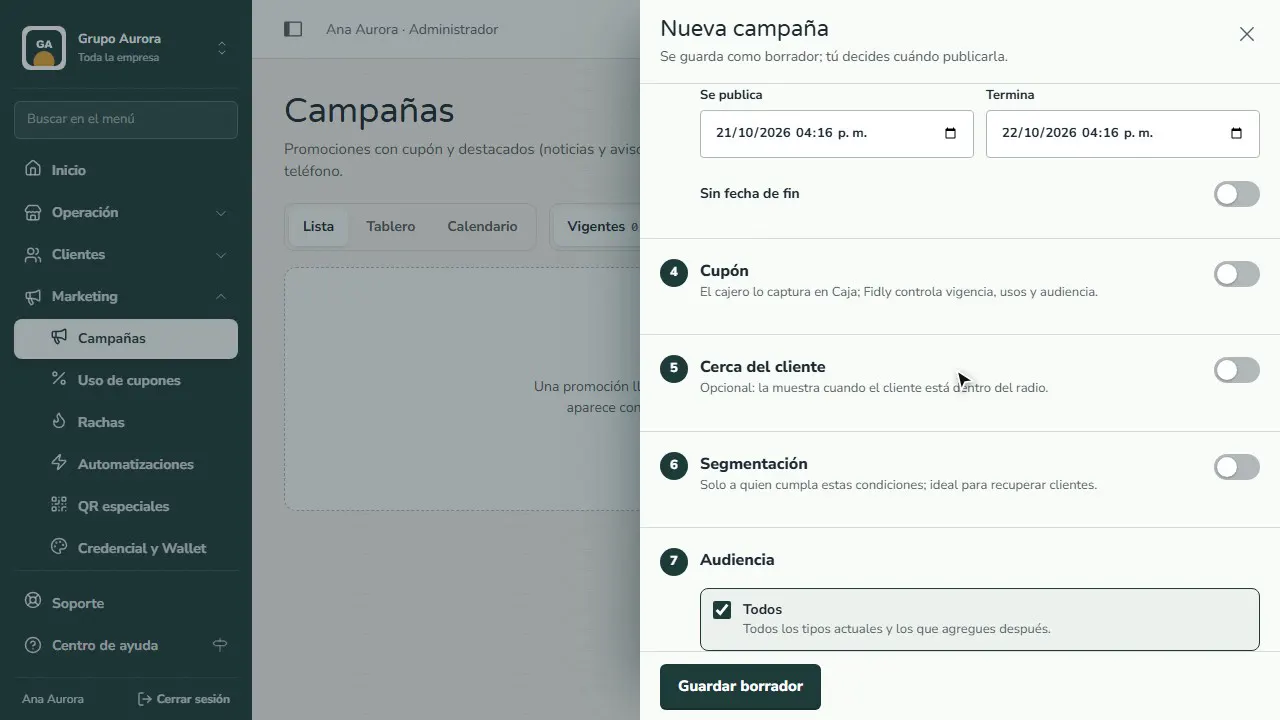
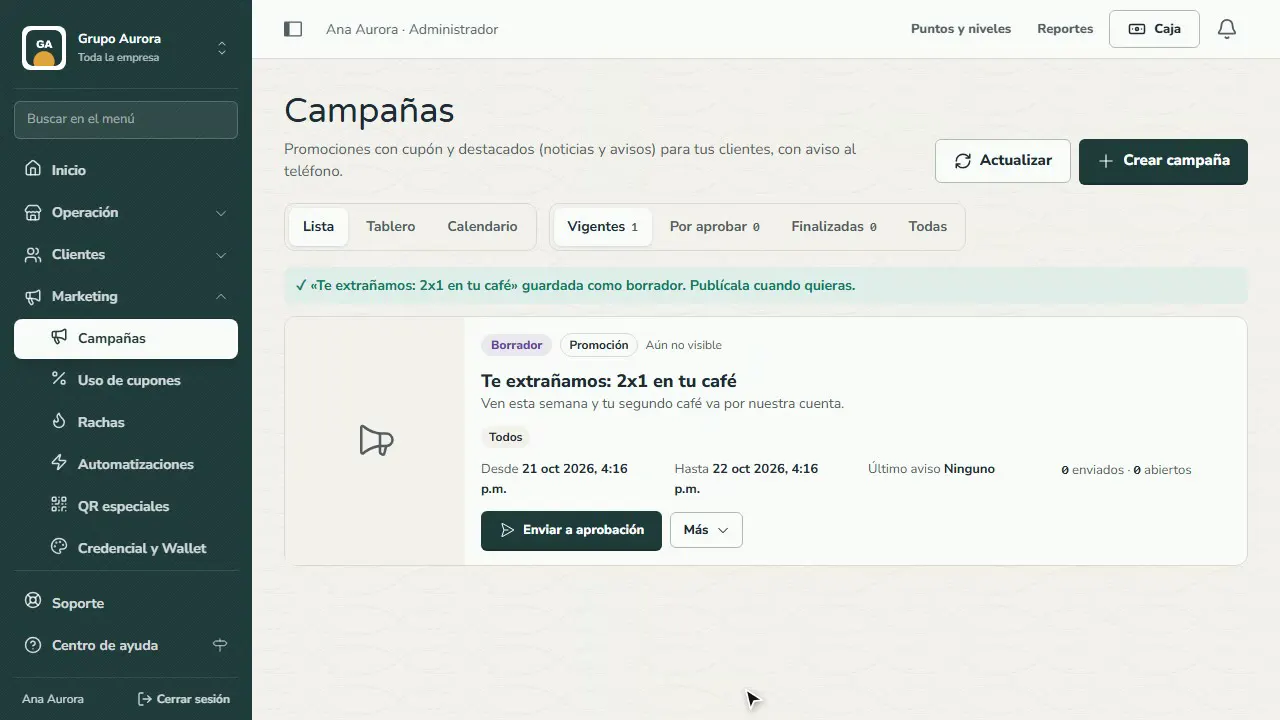
Save the draft
Tap Save draft. Review it and publish it whenever you're ready; if your team requires approval, it goes to Pending approval.
Common mistakes
- A long title. It gets cut off on the phone: say it in under 40 characters.
- No end date. Promotions that never end lose urgency; give them a date range.
- Forgetting to publish it. Saving a draft doesn't send it: publish it or send the push notification from the campaign.
Tips
- Use targeting to win back customers who haven't returned.
- Check Coupon usage to see how many people used it and how much it sold.
- If your role is “Marketing creator”, your campaign waits for approval before it's published.