What it is
With Fidly POS, each register device works in shifts. At the start of the day you open the shift with the Opening float (the cash the register starts with); during the shift you take cash, card, transfer or split payments, and you record in Cash in and out any cash that comes in or goes out without being a sale. When you close, Fidly tells you how much is Expected, you enter what you counted, and you get the shift close: whether it balances, is short or is over.
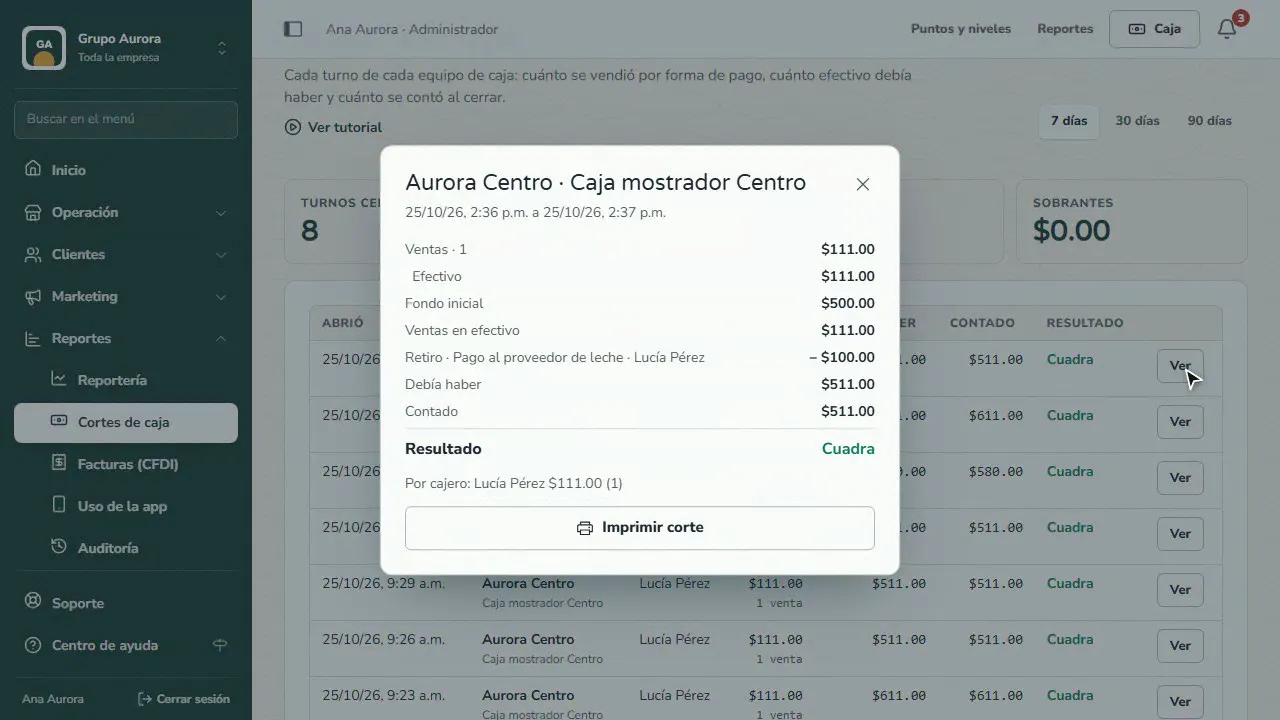
In Reports › Shift closes you see every shift for each register device: who opened it, sales by payment method, cash taken out, what was expected, what was counted and the result, with the details of each close.
Step by step
Open the shift
At the start of the day, count the cash in the drawer and enter it as the Opening float; confirm with your cashier code.
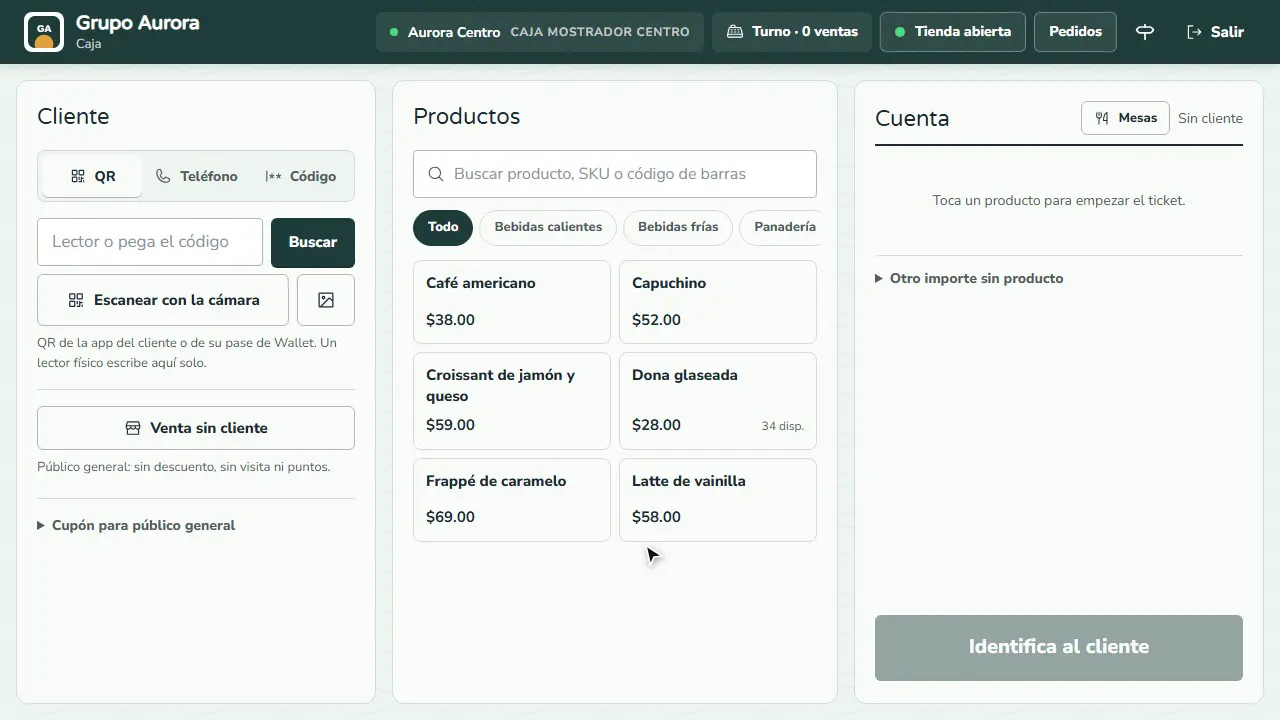
Take a cash payment
Build the ticket with your products, tap Charge, choose Cash and enter what you're handed: Fidly works out the Change.
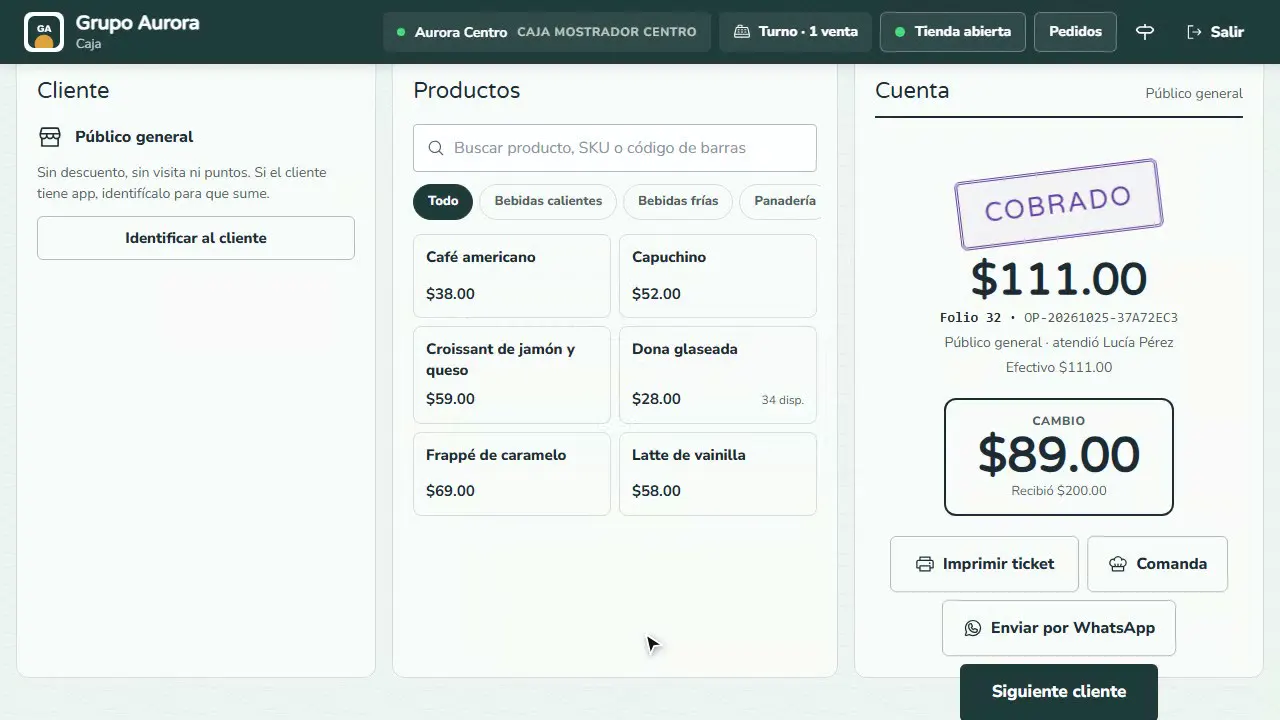
Record cash out
In Shift › Cash in and out, record cash that leaves without being a sale (a supplier payment) along with its reason.
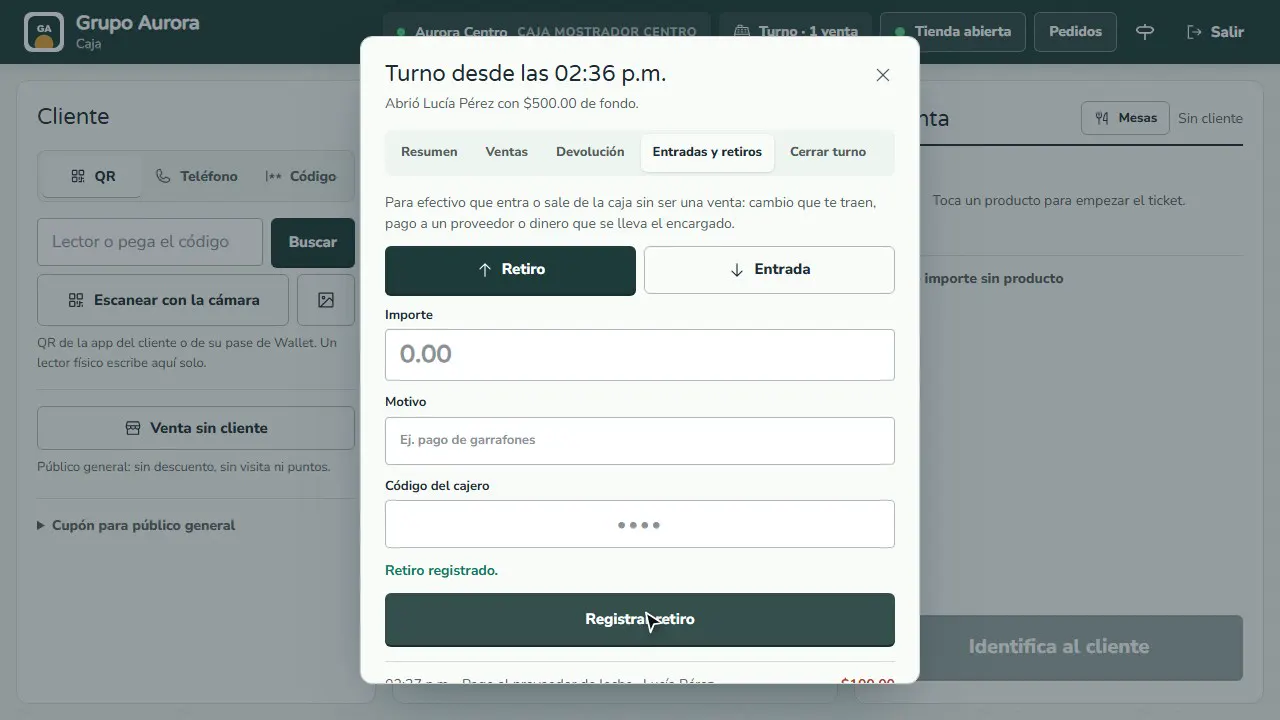
Count and close the shift
In Close shift you see how much is Expected; count the cash, enter it and close: you get the shift close.
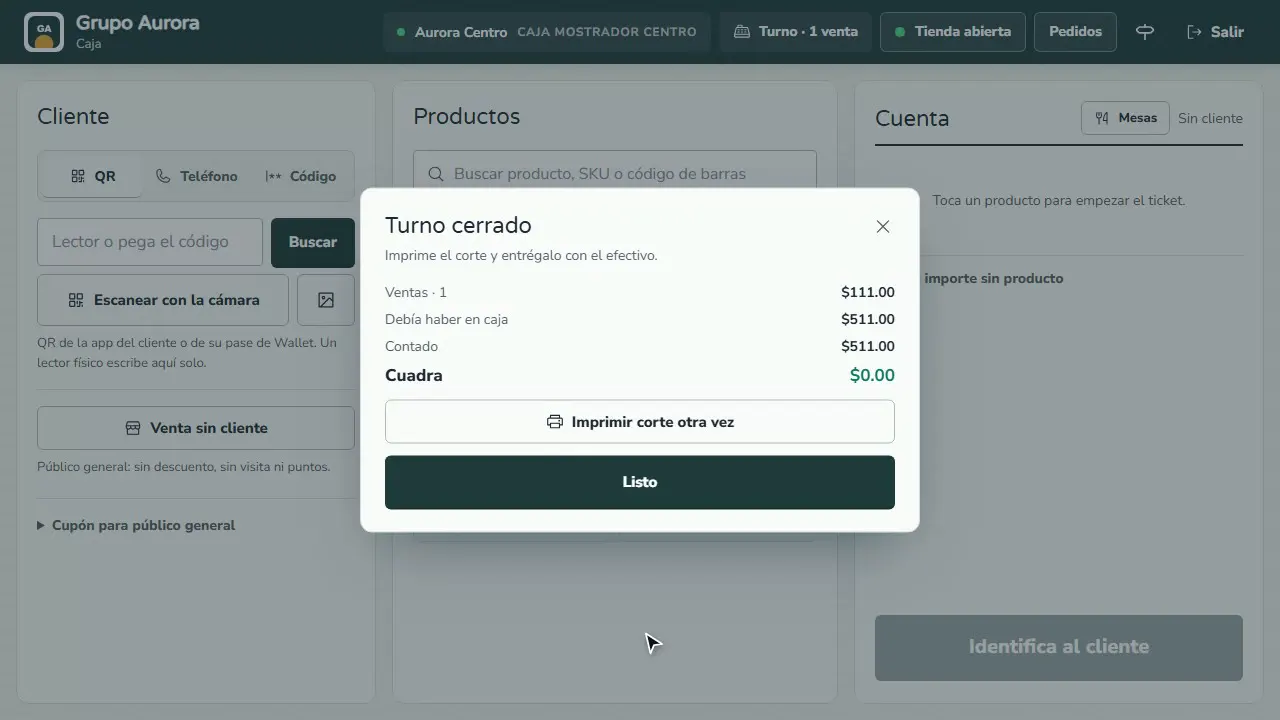
Review the close in the dashboard
In Reports › Shift closes you see every shift: sales by payment method, cash out, what was expected, what was counted and whether it balances.
Common mistakes
- Not counting the float when you close. Counted cash includes the opening float: count everything in the drawer.
- Taking cash out without recording it. A supplier payment that isn't recorded as cash out shows up as a shortage in the close.
- Closing the shift halfway through the day. Once it's closed, that device can't take payments until a new shift is opened.
Tips
- Always use the same opening float so you can compare each day's closes.
- If the close doesn't balance, write the reason in Notes: it stays in the close's details.
- Check Shortages and Overages in Shift closes every week, by register device and by cashier.