What it is
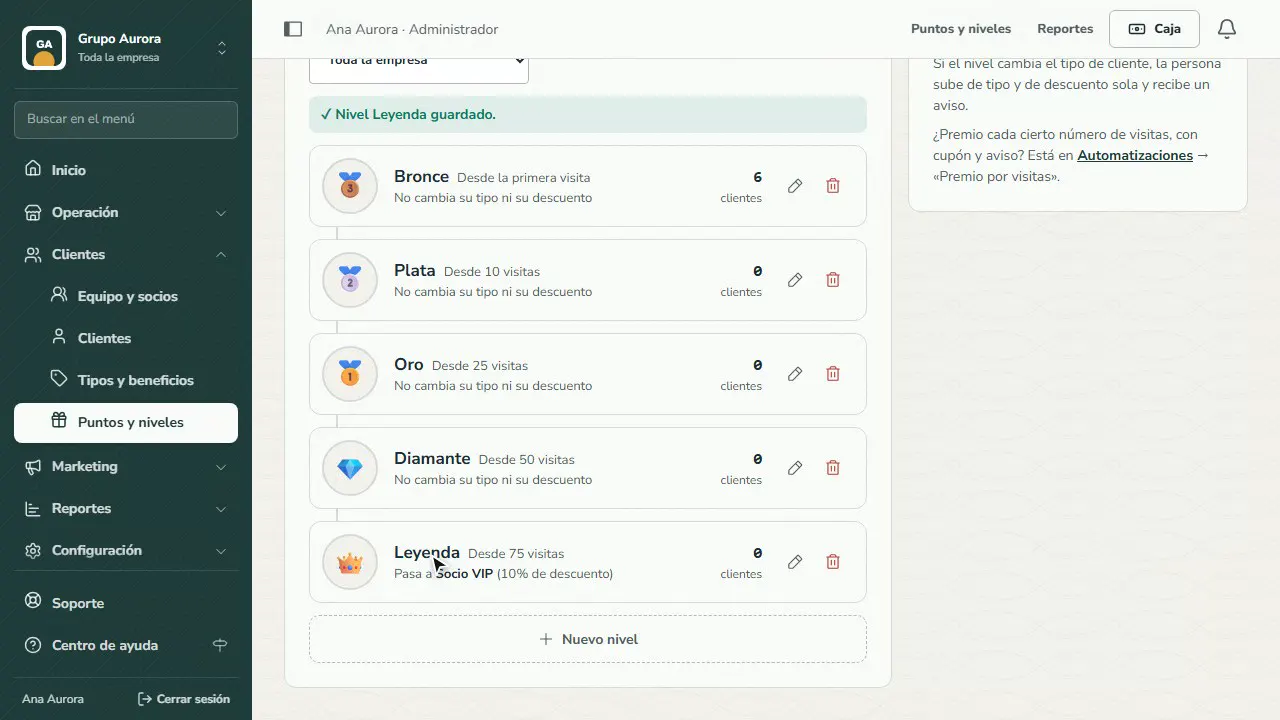
Visit tiers are your frequent-customer ladder (for example Bronze, Silver, Gold and Diamond). Each tier requires a number of visits, and customers see theirs in the app. A visit is a day with a recorded visit or a purchase.
If a tier changes the customer type, the customer moves up in type and discount automatically and gets a push notification.
Step by step
Open Visit tiers
In Customers › Points and tiers, open Visit tiers: the frequent-customer ladder your customers see in their app.
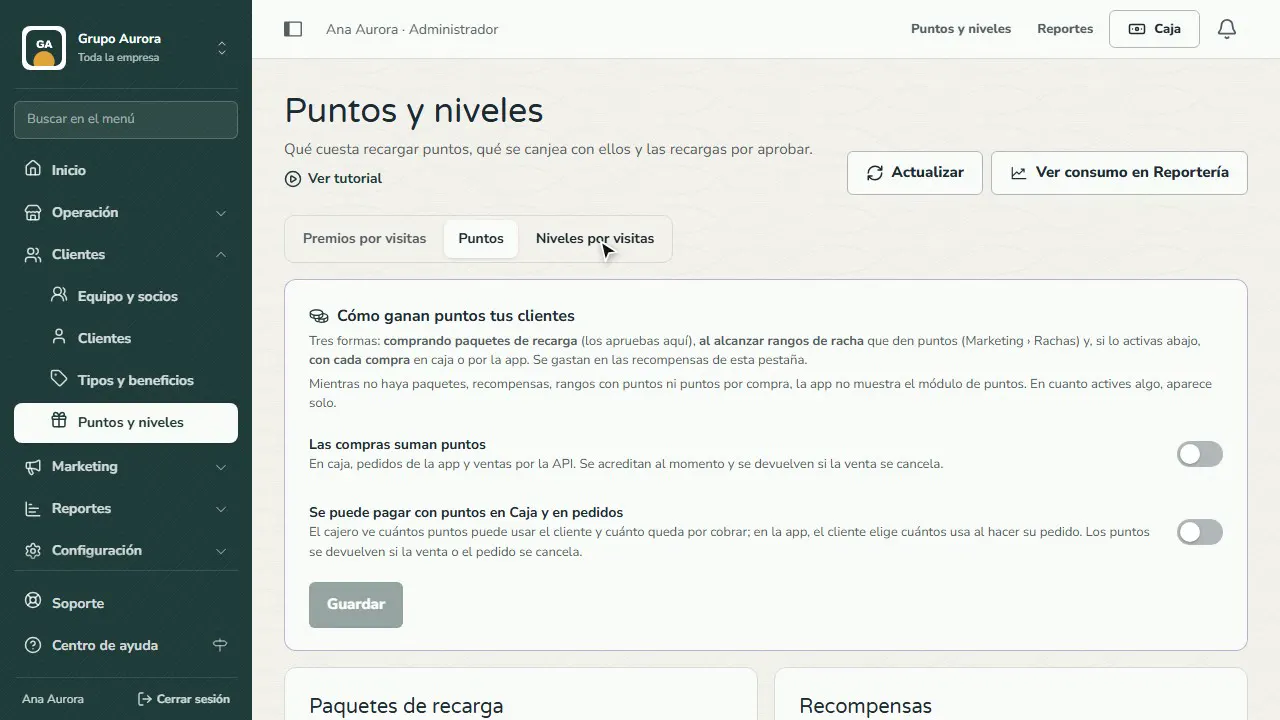
Review your ladder
In Tiers for, choose the whole company or one brand. Next to each tier you see how many customers have it.
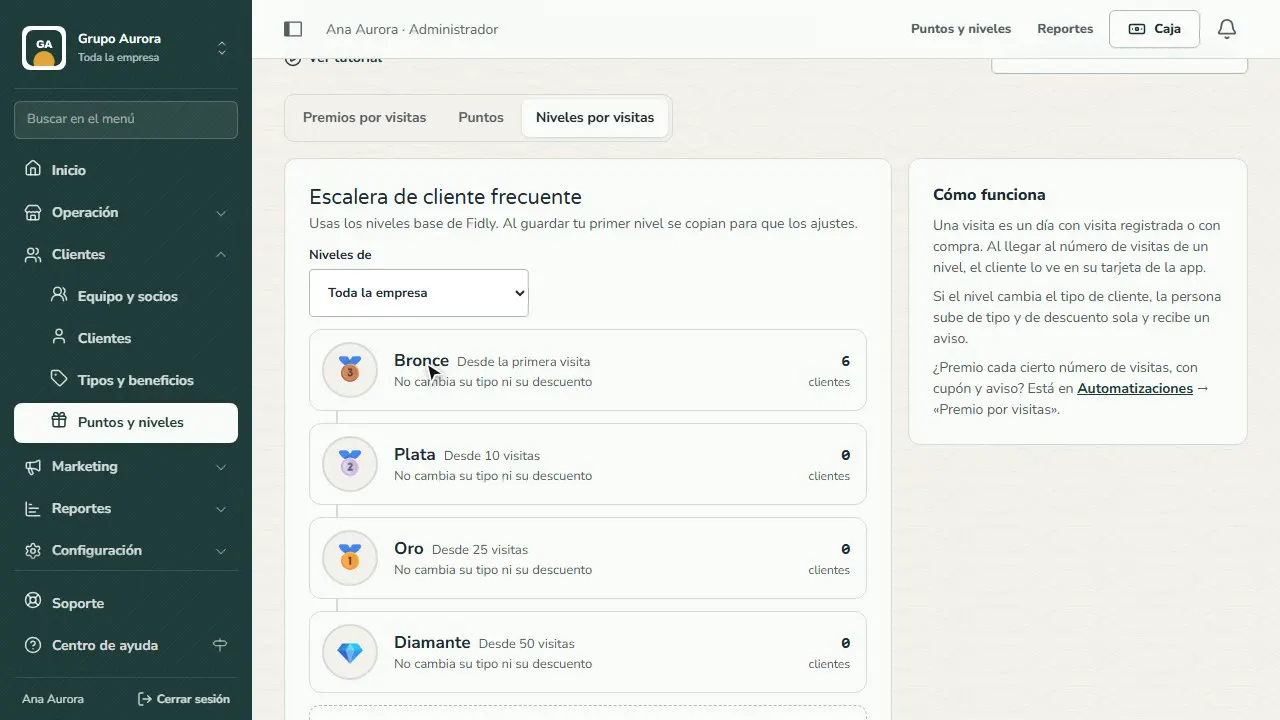
Add a tier
Tap New tier and enter the name and the visits needed to reach it.
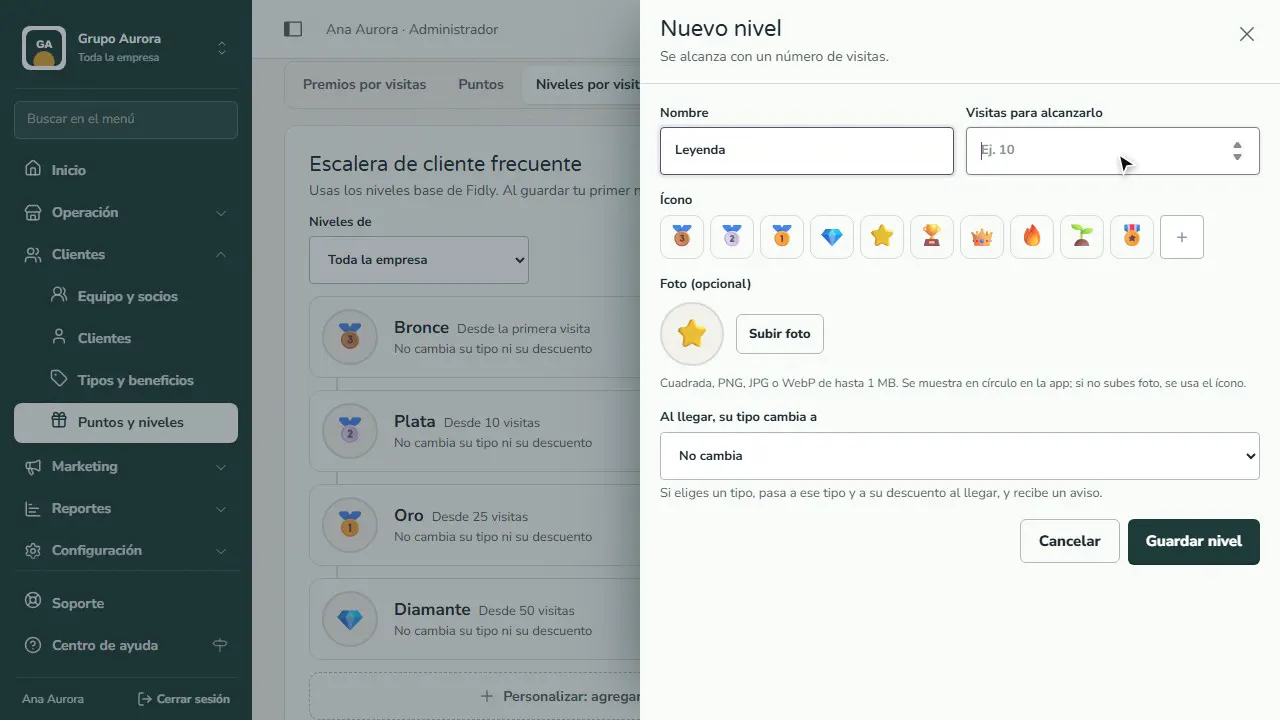
Icon and benefit
Pick an icon or upload a photo. Optional: when customers reach it, their customer type changes, and their discount with it.
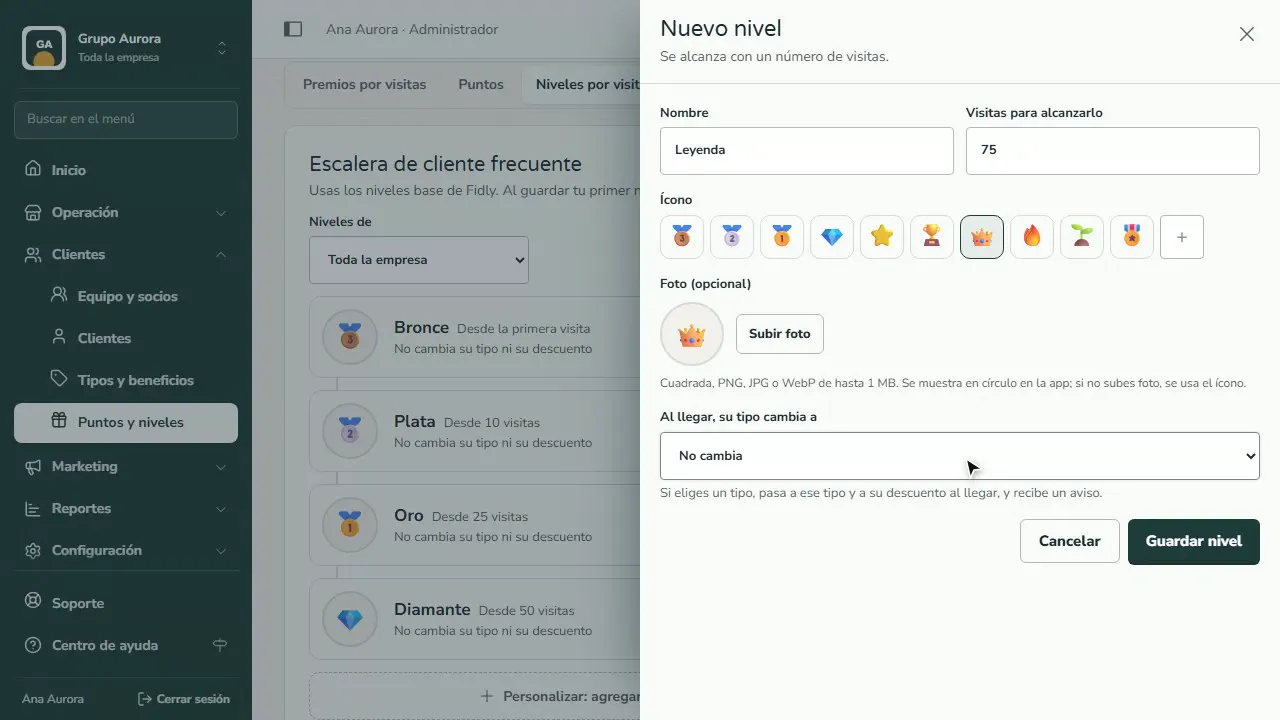
Save
Tap Save tier. If you were using Fidly's default tiers, they're copied so you can adjust them.
Common mistakes
- Tiers that are too far apart. If the first step takes 50 visits, almost nobody gets there; start with short goals.
- Mixing brands by accident. If a brand has its own ladder, its tier only counts visits at that brand's branches; with the company ladder, every visit counts.
- Confusing tiers with rewards. A reward every so many visits, with a coupon and a push notification, lives in Automations › Visit reward.
Tips
- Use each tier's photo or icon so customers recognize it in their app (square photo, PNG, JPG or WebP up to 1 MB).
- Save the customer type change for the top tiers: the discount is the reward for getting there.
- Check how many customers are in each tier to fine-tune the visits each one requires.