What it is
When a customer orders from the QR on their table, the order does not go to the kitchen until your staff confirms it. This applies to everyone, with or without an account in the app. A photo of the QR or a prank order never reaches the kitchen or the table's tab.
The notice shows up with a sound on the Register of every register device at the branch and on Order board › Tables. Confirming or rejecting requires the cashier code: who sent it to the kitchen, on which register device and at what time is saved, and you can review it in the Audit log.
Step by step
The customer orders from their table
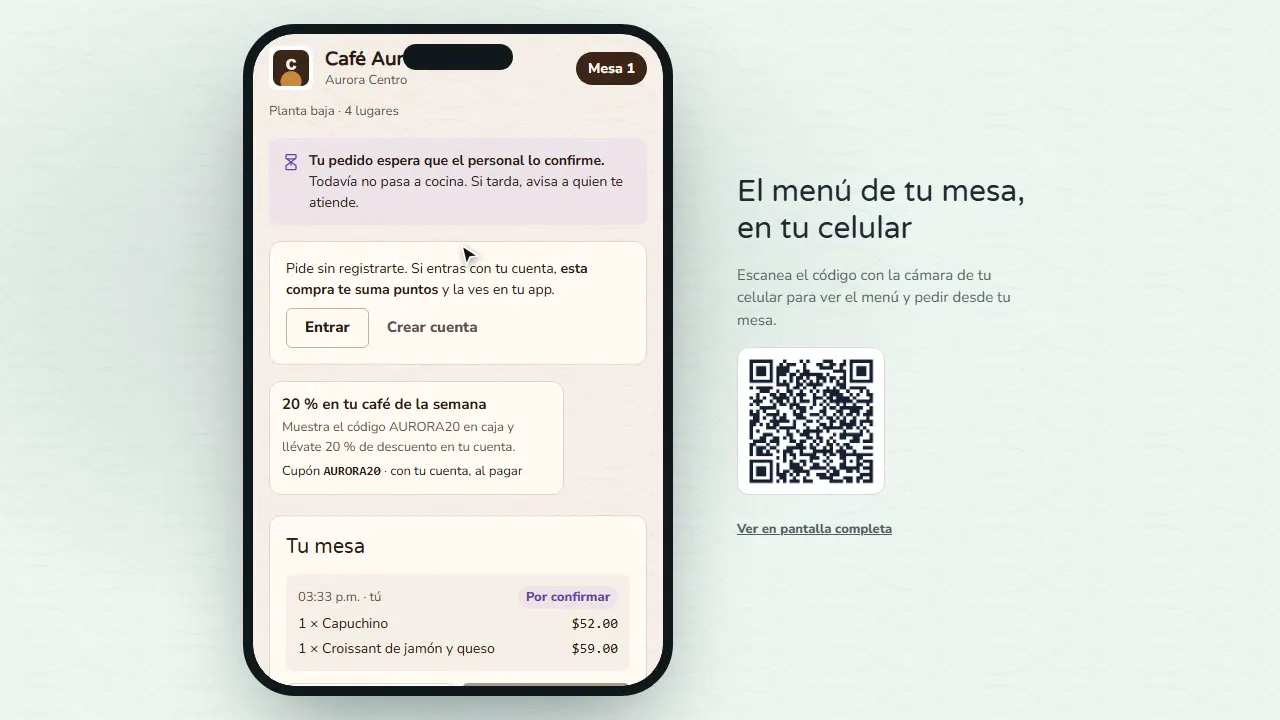
They scan the QR, build their order and tap Send order. Their phone shows Your order is waiting for the staff to confirm it.
The Register notifies you
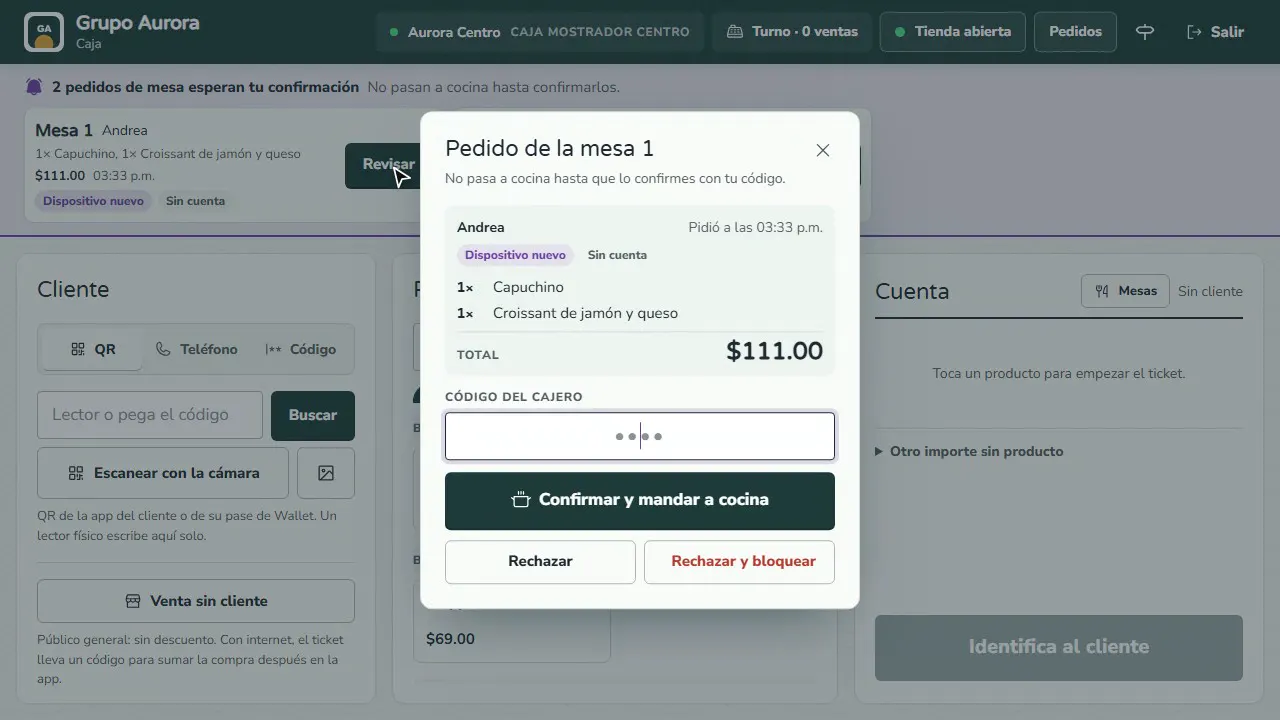
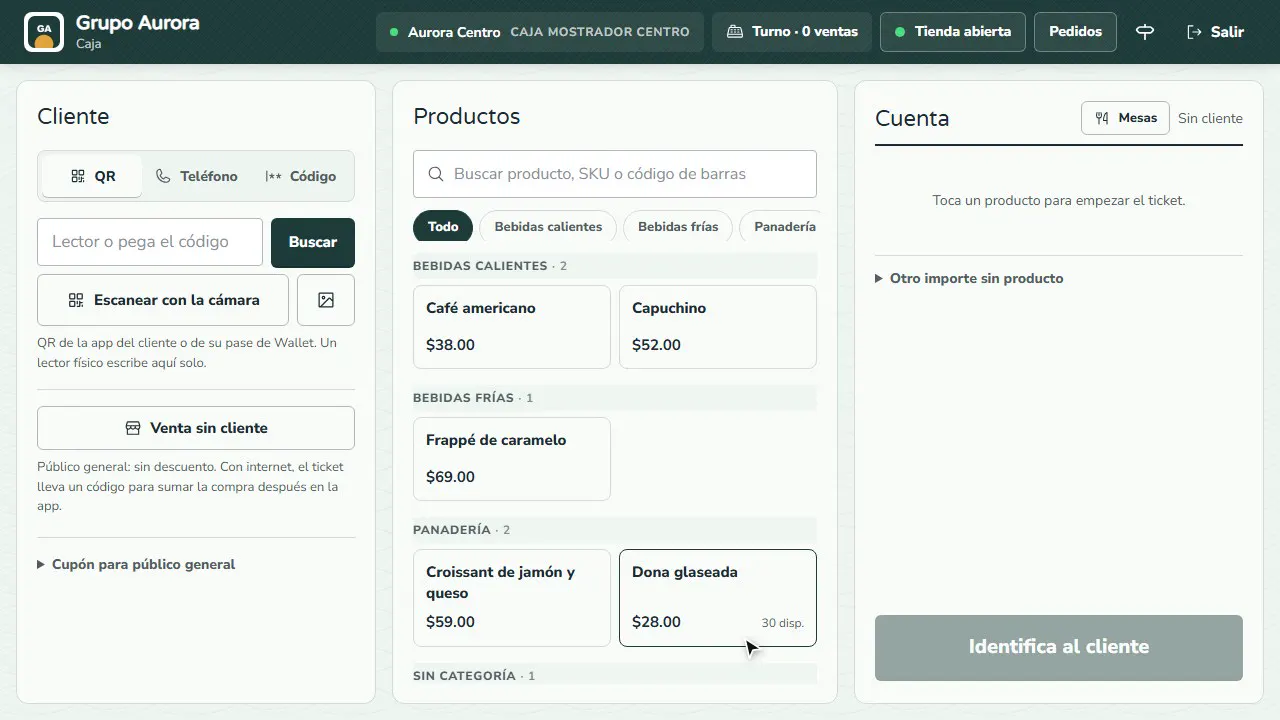
Every register device at the branch plays a sound and shows the banner with the table, the guest, the items, the total and the time. Tap Review.
Read the tags
New device: that phone had not ordered on this tab. No account: they ordered without signing in to the app. If something looks off, walk to the table before confirming.
Confirm with your code
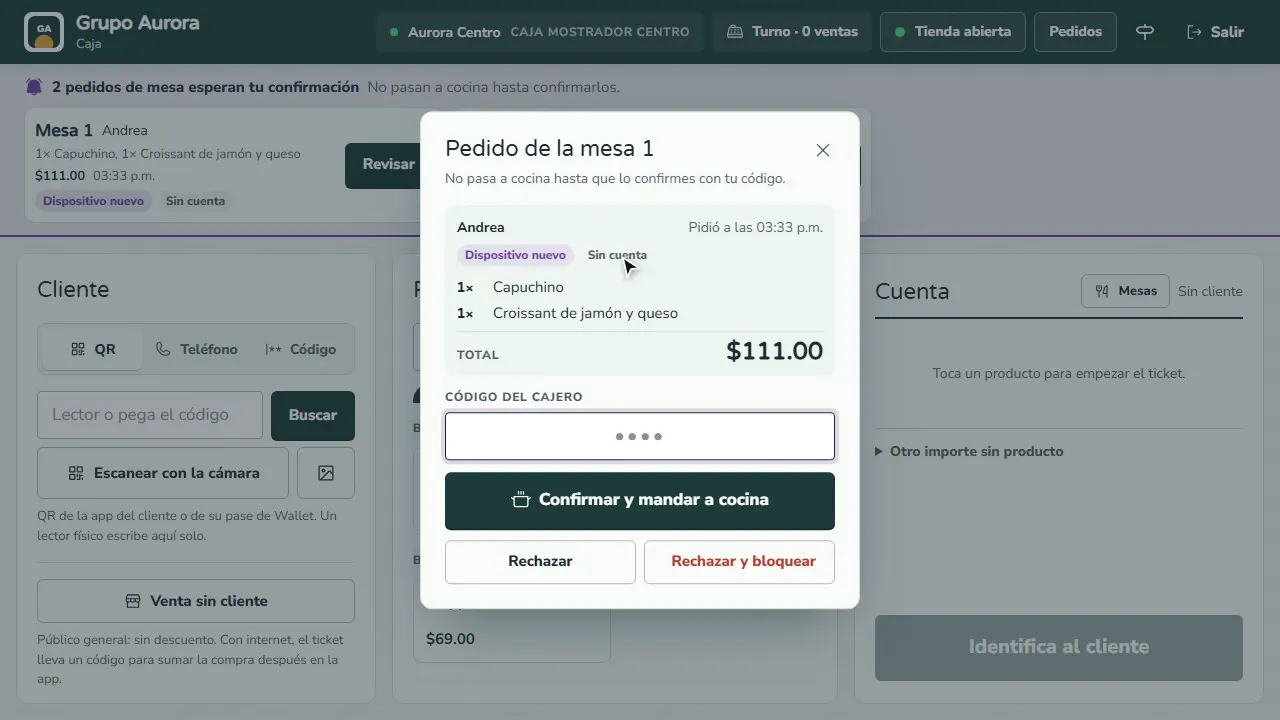
Enter your cashier code and tap Confirm and send to kitchen. Only then does it show in Kitchen and the ticket prints; who confirmed it is recorded.
Reject or block a prank
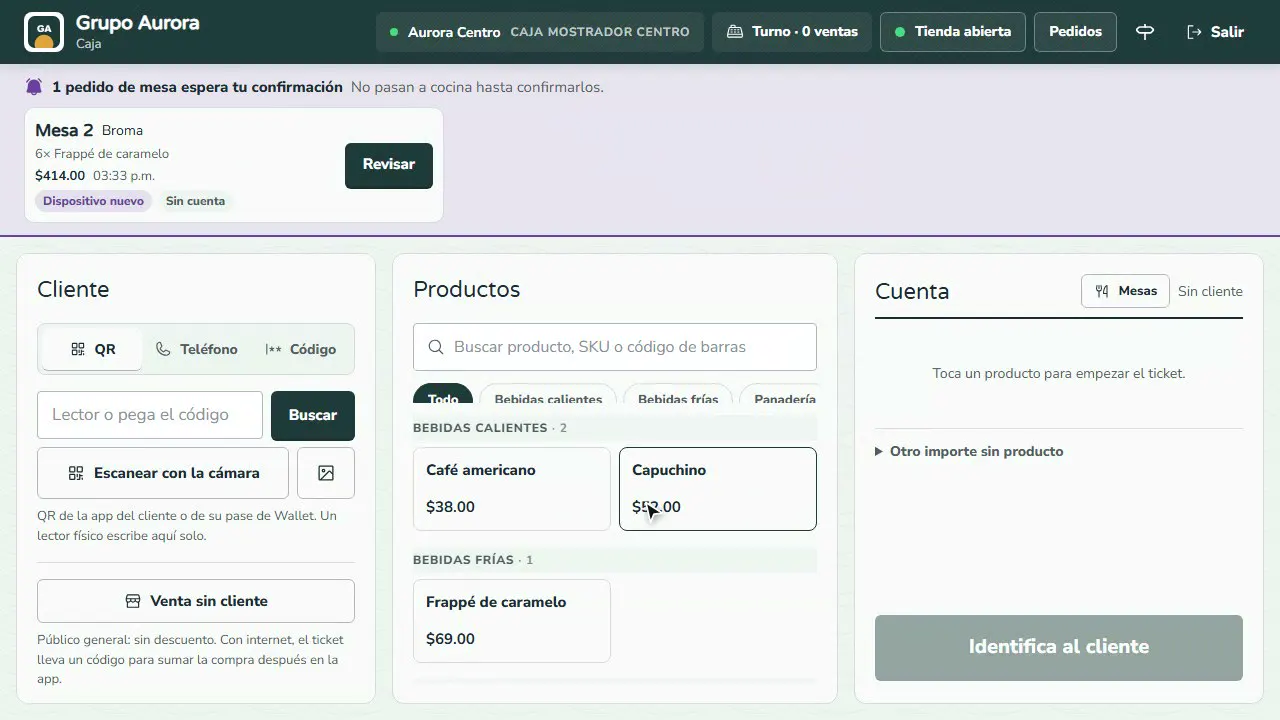
Reject discards it. Reject and block asks for a reason and stops that phone from ordering at the table for 3 hours, or at the whole branch for 12 or 24.
Choose the branch setting
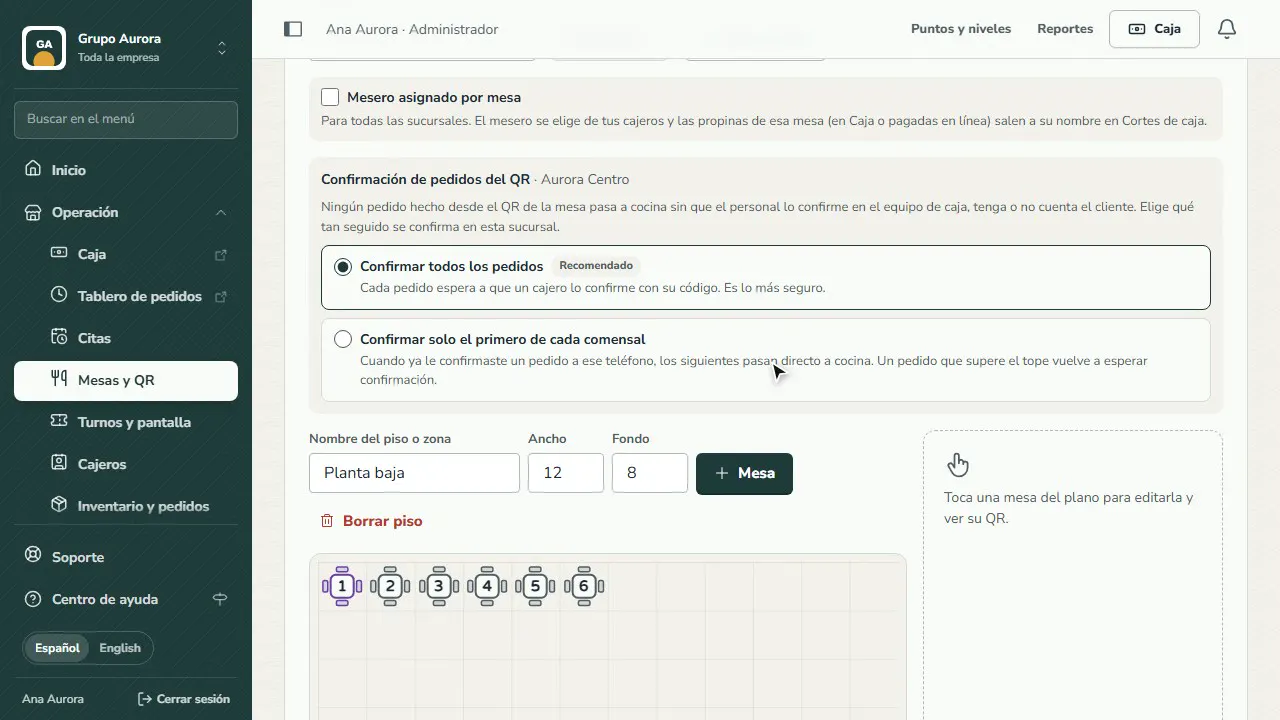
In Operation › Tables and QR choose Confirm every order or Confirm only the first order of each guest, with the limit per order that goes straight through.
Who can confirm
- If the table has an assigned server, that cashier or a supervisor cashier.
- If it has none, any active cashier.
Setting per branch
In Operation › Tables and QR, each branch chooses:
- Confirm every order (the default): every order waits for confirmation.
- Confirm only the first order of each guest: once you have confirmed an order from that phone, the next ones go straight through. An order above the limit you set waits for confirmation again.
Common mistakes
- Confirming without reading the tags. "New device" on a table that was already ordering, or an order for an empty table, deserves a walk to the table before confirming.
- Leaving the order waiting. After 30 minutes without confirmation it is rejected automatically and the customer has to order again.
- Sharing the cashier code. The record says who confirmed: everyone uses their own.
Tips
- Keep the Register open with sound on at least one register device: every new order rings there.
- Use Reject and block only for an obvious prank; the block for that table lasts 3 hours and ends on its own.
- If a QR was copied and the pranks continue, generate a New QR for that table in Tables and QR.