What it is
With Integrations (API) your point of sale, ERP or other system talks to Fidly: it identifies the customer by their QR, code or phone, quotes their discount before charging and records the sale just like the Register.
Each system uses its own key. When you create it, you choose what it can do (identify customers, quote discounts, record sales). The key is shown only once: copy it and store it in your system. Fidly only keeps a fingerprint. The list shows when each key was created and when it was last used.
The Documentation has every endpoint, with examples.
Step by step
Open Integrations
In Settings › Integrations (API) you connect your point of sale or another system; the Documentation has every endpoint.
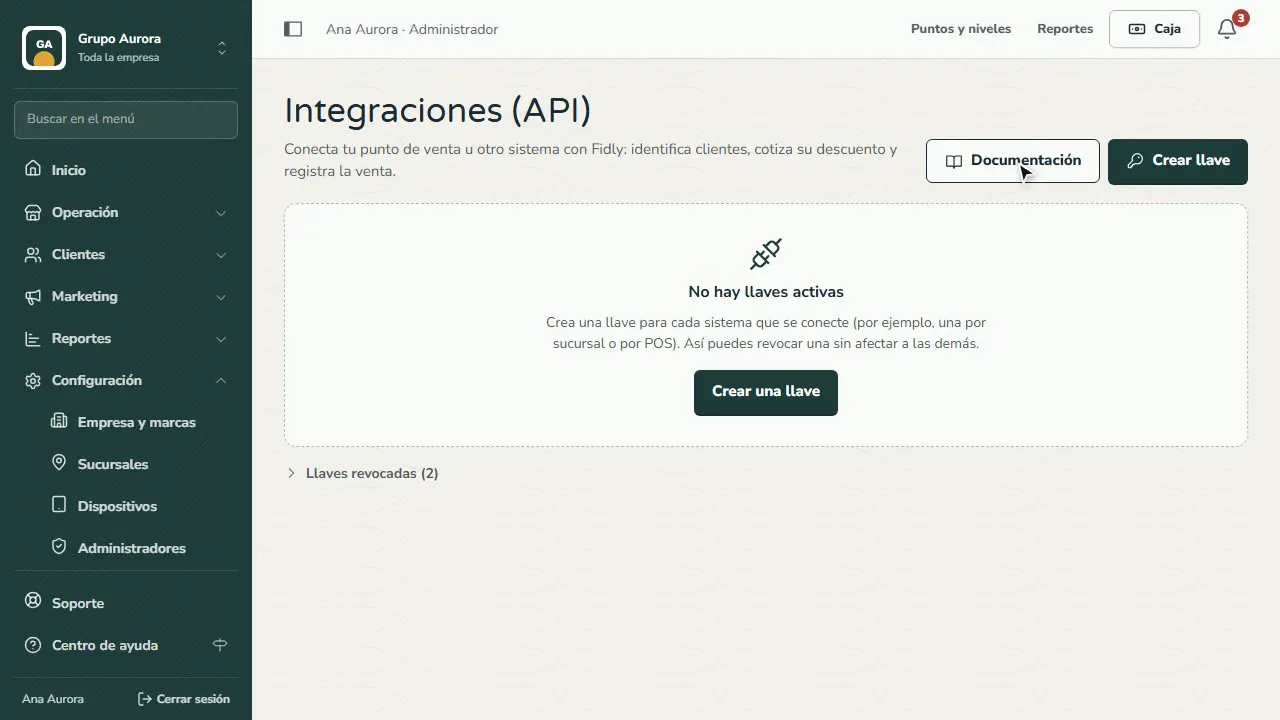
Create one key per system
Tap Create key: its name, the type of system and what it can do: identify customers, quote their discount and record sales.
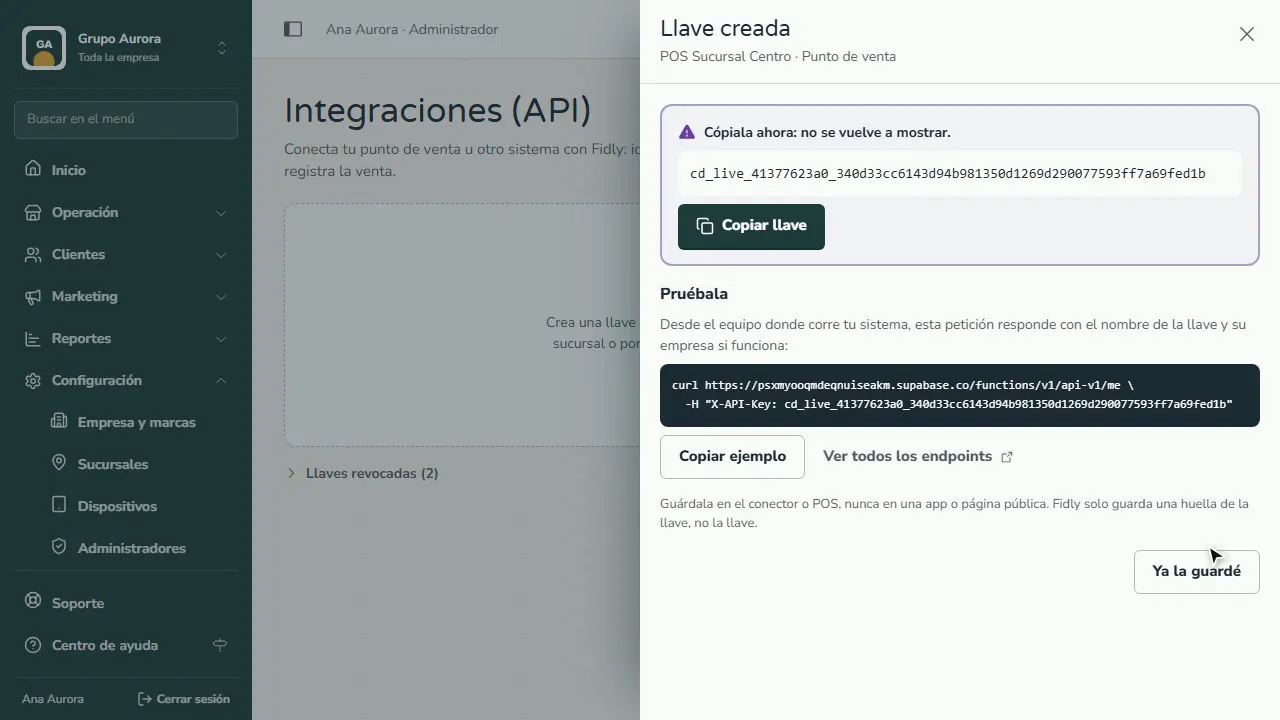
Copy it: it's only shown once
Copy the key and store it in your system: Fidly won't show it again (it only keeps a fingerprint).
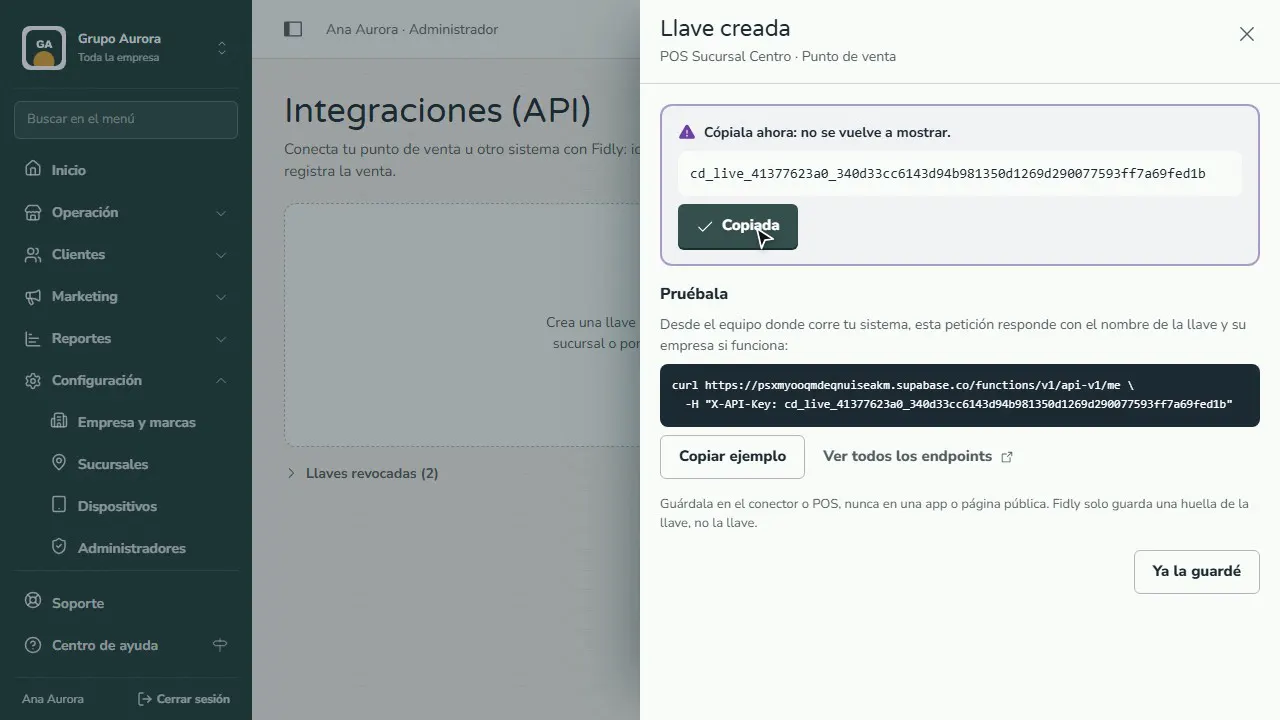
Test it from your system
If it works, the example responds with the key's name; the list shows when it was last used.
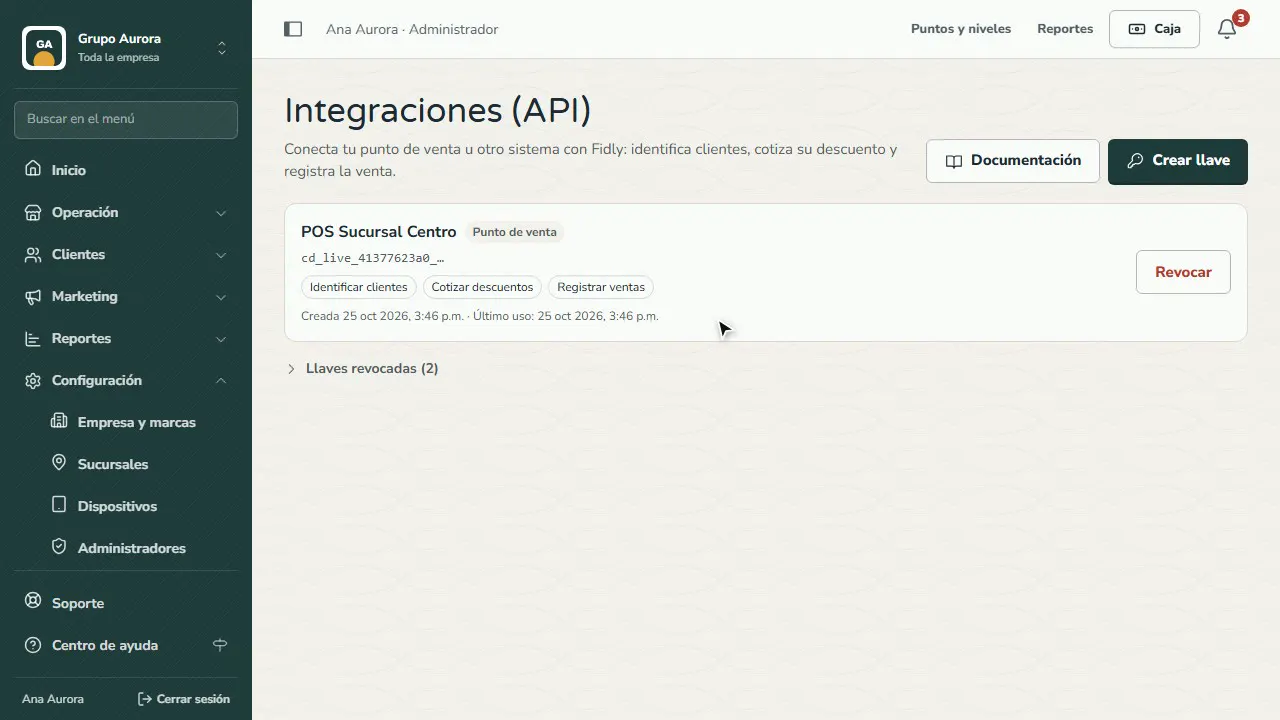
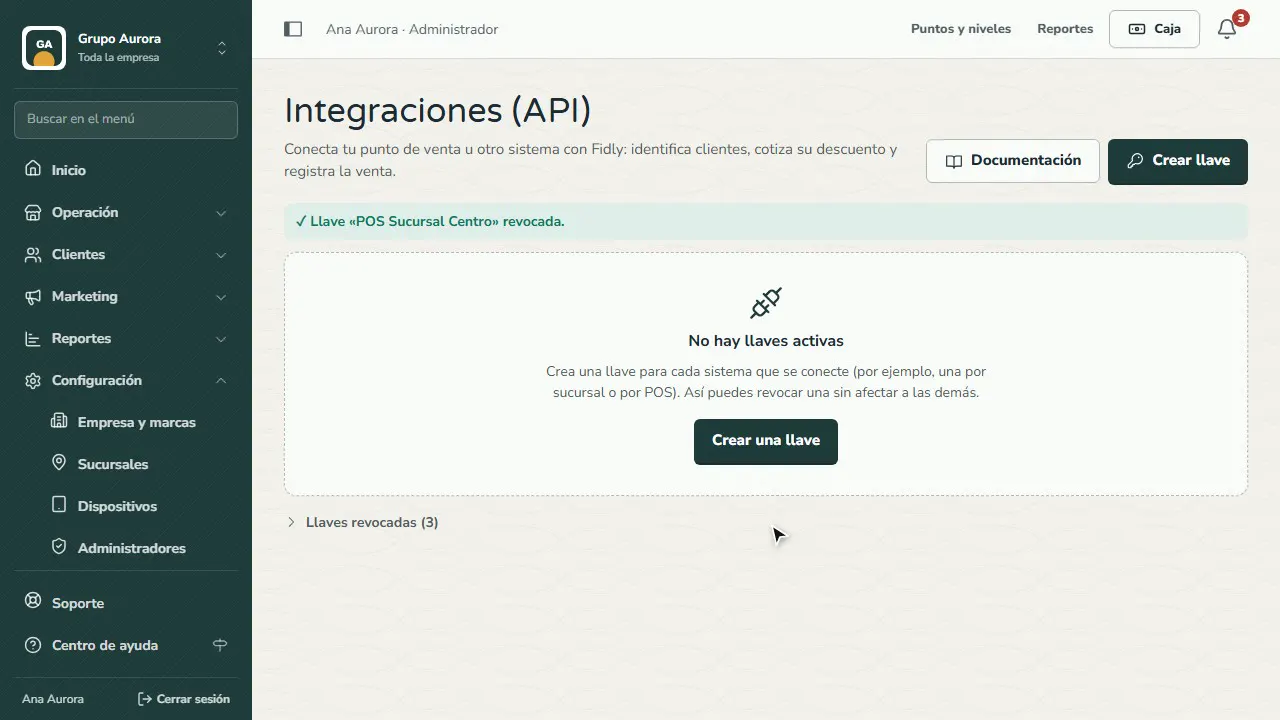
Revoke it if it gets exposed
If a key leaks or you switch systems, tap Revoke: it stops working instantly and the others keep working.
Common mistakes
- Using the same key everywhere. If it leaks, you'd have to change it in all your systems. Create one per system or per branch.
- Putting the key in a public web page or app. It belongs only on the server or in the POS.
- Giving it more permissions than it needs. If a system only looks things up, don't give it “Record sales”.
Tips
- If a key gets exposed or you stop using a system, revoke it: it stops working instantly.
- Test the key with the example before you connect it to your day-to-day operation.